






























-
-
February 1, 2026 at 4:14 pm #24699MMartin LawParticipant
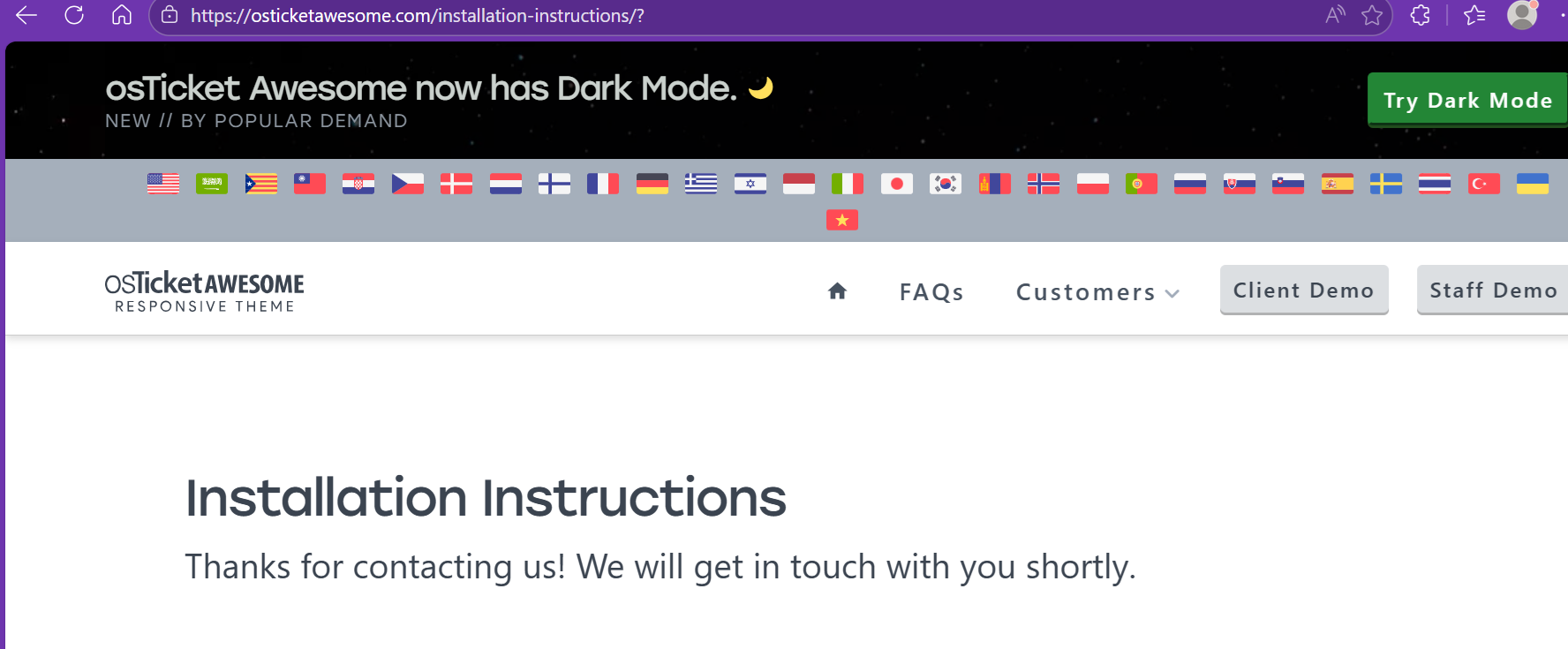
When I try to go this section for viewing instructions (https://osticketawesome.com/installation-instructions/), every option just shows a screen saying that you’ll be in touch, without actually giving the instructions?
-
-
-
February 2, 2026 at 1:40 am #24718MMartin LawParticipant
Good morning,
Thank you for the response. I have just checked it and what happens now is I get two buttons after selecting all the options: “Instructions” and “Submit”.
Both of these options take me to the below page:
-
February 3, 2026 at 3:07 am #24736PPaweł HeldweinParticipant
Hello. I’ve had the same problem for quite some time. I get a message “We will get in touch…” and nothing happens.
-
February 4, 2026 at 3:27 pm #24752MMartin LawParticipant
Has anyone got links to the instructions?
Seems to be an over complicated way of delivering something that could be so simple. There must be like 3 or 4 sets of instructions. Surely they could just be posted.
I have bought the theme and it’s still under two years.
I just want to move my OST Awesome installation to a new host and I’ve forgotten what I did last time or may do it afresh as I am installing from scratch and can load the data from my existing install thereafter.
-
February 4, 2026 at 5:01 pm #24759
stevland
KeymasterI am in the middle of migrating my entire web server. As soon as that is complete I will fix the form again. But for now, here are all of the instructions:
Upgrading from osTicket to osTicket Awesome, using Linux, installing to a subdomain
Upgrading from osTicket to osTicket Awesome, using Linux, installing to a directory
Upgrading from osTicket to osTicket Awesome, using Windows IIS, installing to a subdomain
Upgrading from osTicket to osTicket Awesome, using Windows IIS, installing to a directory
Updating osTicket Awesome (already installed in a subdomain on a Linux server)
Updating osTicket Awesome (already installed in a directory on a Linux server)
Updating osTicket Awesome (already installed in a subdomain on a Windows IIS server)
Updating osTicket Awesome (already installed in a directory on a Windows IIS server)
First Time Installing osTicket or osTicket Awesome, using Linux, installing to a subdomain
https://osticketawesome.com/installation-instructions/first-time-installing-osticket-awesome-linux-subdomain/First Time Installing osTicket or osTicket Awesome, using Linux, installing to a directory
https://osticketawesome.com/installation-instructions/first-time-installing-osticket-awesome-linux-directory/First Time Installing osTicket or osTicket Awesome, using Windows IIS, installing to a subdomain https://osticketawesome.com/installation-instructions/first-time-installing-osticket-awesome-windows-iis-subdomain/
First Time Installing osTicket or osTicket Awesome, using Windows IIS, installing to a directory
https://osticketawesome.com/installation-instructions/first-time-installing-osticket-awesome-windows-iis-directory/
You must be logged in to reply to this topic.